Less chaos, more calm. The refreshed design of Windows 11 Home enables you to do what you want effortlessly.
Biometric logins. Encrypted authentication. And, of course, advanced antivirus defenses. Everything you need, plus more, to protect you against the latest cyber threats.
Make the most of your screen space with snap layouts, desktops, and seamless redocking.
Widgets make staying up-to-date with the content you love and the news you care about, simple.
Stay in touch with friends and family with Microsoft Teams, which can be seamlessly integrated into your taskbar. (1)
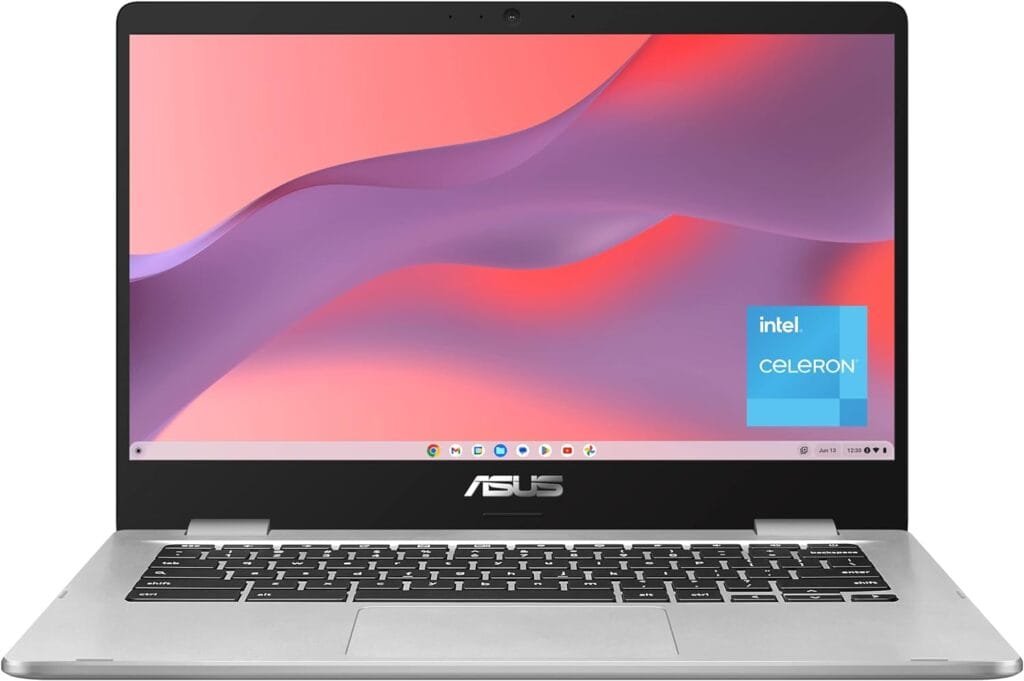
14-inch FHD 1920x1080 Anti-Glare NanoEdge display featuring an ultra-narrow bezel with anti-glare coating to reduce reflections.
Powered by the Intel Dual-Core Celeron N4020 Processor (4M Cache, up to 2.8 GHz) for fast and snappy performance.
The FHD display has a durable 180-degree hinge that can be laid flat to share content easily.
4GB LPDDR4 RAM, 128GB eMMC storage, and USB Type-C (Gen 1) and Type-A ports.
ASUS Chromebook C424 runs on ChromeOS - an operating system by Google that is built for the way we live today. It comes with built-in virus protection, updates automatically, boots up in seconds, and continues to stay fast over time.
Google apps you know and love come standard on every Chromebook, which means you can edit, download, and convert Microsoft Office files in Google Docs, Sheets, and Slides.
Chromebooks come with built-in storage for offline access to your most important files and a 12-month Google One trial that gives you additional storage across Gmail, Google Drive, and Google Photos. This offer from Google will expire by 1/31/2024 Google features’ availability varies according to country. Please check with your local ASUS retailer for details.
Discover how AI and Cybersecurity unite to fortify your data in the era of automation. Explore essential strategies, benefits, and tips to shield your information.
Ransomware attacks can be devastating for businesses, but there are effective strategies for ransomware recovery. By implementing proper backups, utilizing decryption tools, and seeking professional assistance, businesses can recover from these attacks and prevent future incidents.
The critical impact of response time on IT service cannot be overstated. A slow response time can result in frustrated employees and decreased productivity, leading to potential revenue loss. As such, IT service providers must prioritize response time as a key performance indicator to ensure consistent and efficient service delivery.
5 GHz Radio Frequency, 802.11a/b/g/n/ac, 2.4 GHz Radio Frequency
Security Protocol
WPA-PSK;WPA2-PSK
Data Transfer Rate
1300 Megabits Per Second
Voltage
100240 Volts
Controller Type
Vera, Voice Control
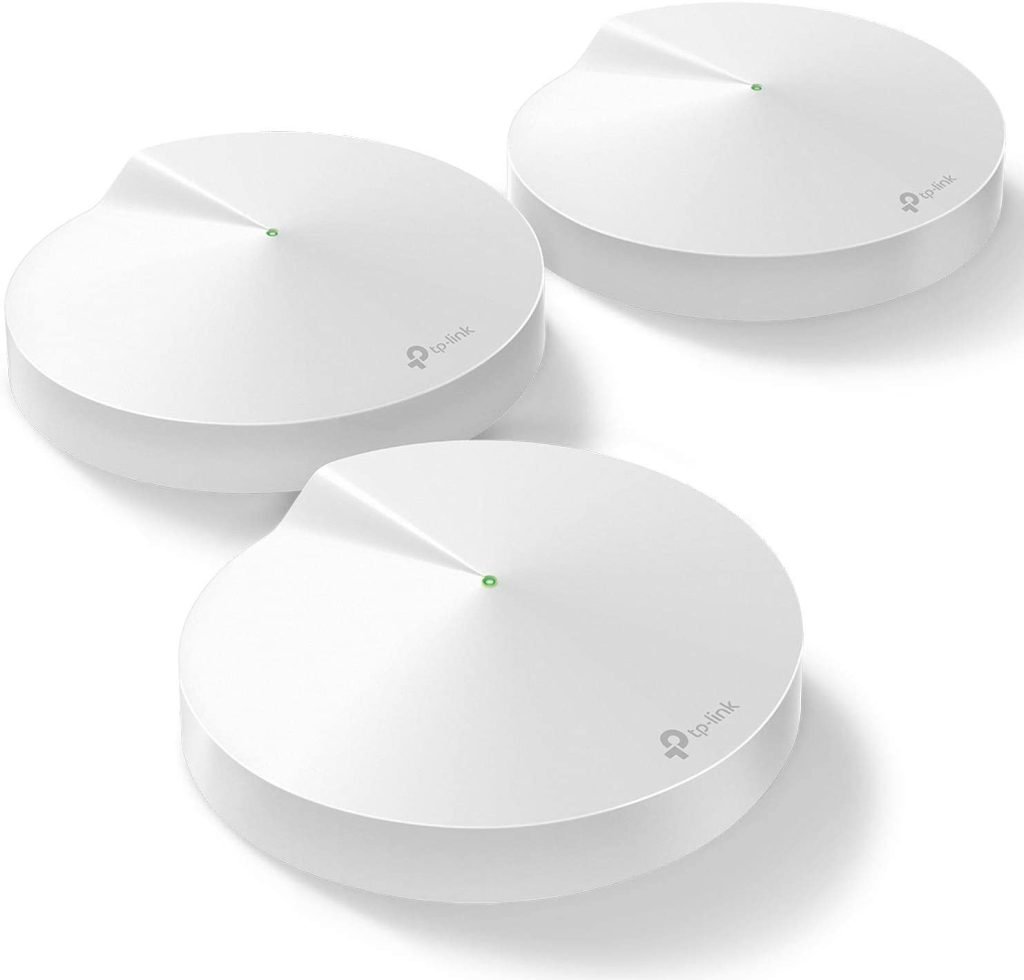
TP-Link Deco Mesh WiFi System, WiFi Router
If you're looking to ditch your traditional router extender setup for a whole Home TP-Link Deco Mesh WiFi system
Better coverage than traditional WiFi router because Deco M5 uses 3 units working seamlessly to create a mesh network that can cover homes up to 5,500 square feet.
Seamless and Stable Wi-Fi transmission rather than Wi-Fi range extender that need multiple network names and passwords, Deco M5 allows you to enjoy seamless roaming throughout the house, with a single network name and password
TP-Link unique Adaptive routing technology automatically chooses the fastest path for every device and allows for more flexible placement than a satellite system
Protect your network and connected devices with a free lifetime subscription to TP-Link HomeCare featuring Next-level Antivirus, Robust Parental Controls, and QoS
Easy to setup: Just download the TP-Link Deco app, plug in your system, and follow the instructions to get your new home network up and running in minutes. Works with Alexa as well
Each Deco M5 has 2 Gigabit Ethernet ports(6 in total for a 3-pack) and supports Wired Ethernet Backhaul for better speeds. Any of them can work as a WiFi Router. Works with all internet service providers,
Thousands of people are using WordPress plugins because all WordPress plugins provide awesome features, great flexibility to the users, are editable and also save time as well. All experienced persons are using WordPress plugins and even the beginners are also using these WordPress plugins. All you have to do is go to your Admin Panel under “Plugins” and click on “Add New” where you can search for each new plugin and install directly from your Admin Panel. There is another way of installing these WordPress plugins and that is to use an FTP client such as FileZilla and browse your WordPress Plugin directory “WP-Content” then “Plugins” to manually upload the plugins files. One thing you should keep in mind that after manually uploading your plugin files you will still need to activate them by visiting your Admin Panel and going to the plugin tab and choosing activate.
WordPress is the first thing that comes to our mind when we think of blogging. It is the most preferred platform of the bloggers for blogging and around 8.5% websites on the web are powered by WordPress. This means several millions websites are built on WordPress platform.










![Avast Cleanup Premium 2022 | 1 PC, 1 Year [Download]](https://www.smashingapps.com/wp-content/uploads/2022/07/61I0mxJs8jL._AC_SY445_1.jpg "Avast Cleanup Premium 2022 | 1 PC, 1 Year [Download] 11")