Click here to buy secure, speedy, and reliable Web hosting, Cloud hosting, Agency hosting, VPS hosting, Website builder, Business email, Reach email marketing at 20% discount from our Gold Partner Hostinger You can also read 12 Top Reasons to Choose Hostinger’s Best Web Hosting
Managing a list of your followers or learning how to remove a follower on X (formerly Twitter) keeps getting more confusing every year.
A while back, removing someone was simple — you tapped “Block,” and they instantly disappeared from your world. Clean and quiet.
But not anymore.
After X changed the Block feature in late 2024 and continued adjusting it through 2025, the rules became messy. A blocked user can still view your public posts. They only lose the ability to reply or message you. That means “Block” no longer serves as a true removal tool.
So if you want someone off your follower list without drawing attention or giving them access through the Block loophole, you need a different method.
(Ad)

That method is the Soft Block — also called Force Unfollow.
Below is the updated 2026 guide for quietly removing followers on both desktop and mobile.
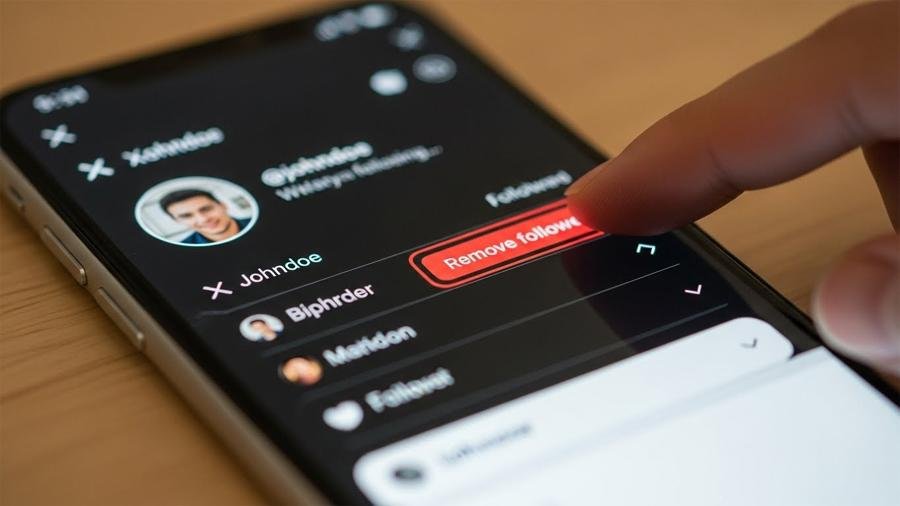
What is a “Soft Block”?
A Soft Block is a simple move that forces a user to unfollow you — without alerting them.
What happens:
They stop following you instantly.
Your posts vanish from their timeline.
They usually never realize anything changed.
It’s calm, clean, and avoids awkward situations.
How to Change Twitter Handle (X Username): The Guide to Rebranding & Claiming Rare Names
Method 1: Remove a Follower (Desktop / Web Browser)
Ideal when you’re removing one or two accounts.
The desktop version still provides the easiest way.
Open your Profile.
Select your Followers list.
Find the user you want to remove.
Click the three dots (…) beside their Follow button.
Choose “Remove this follower.”
[INSERT SCREENSHOT: Desktop ‘Remove this follower’ menu]
Caption: Desktop makes the process straightforward.
This doesn’t block or restrict them — it simply breaks the connection. They can follow you again, though it rarely happens.
10 Free Online Tools To Spice Up Twitter Background
Method 2: The Soft Block Trick on Mobile (iOS & Android)
Useful because many users still don’t see the “Remove Follower” button in the app.
If the option isn’t visible in your mobile menu, use the classic trick:
Open the user’s profile.
Tap the three dots on the top right.
Select Block and confirm.
Wait three seconds.
Tap Unblock right away.
Why this works:
The moment you block someone, X automatically removes them from your followers.
Unblocking them restores normal viewing access, but they stay unfollowed.
[INSERT GIF: Block → Pause → Unblock sequence]
This remains one of the simplest ways to clean your follower list on mobile in 2026.
13 Most Useful Twitter Plugins For WordPress
Method 3: The Fast Fix for Bot Waves (Protected Mode)
Best for sudden spikes of spam or bot followers.
If your account gets hit by dozens of bot follows — a common issue through 2025 — removing them one by one isn’t realistic.
The fastest solution:
Go to:
Settings > Privacy and Safety > Audience and Tagging > Protect your posts
Switch to Protected Mode for 24–48 hours.
Bots often unfollow accounts they can’t scan. Once the wave stops, you can switch back to public.
Privacy Questions Users Still Ask
Q: Will the person find out that I removed them?
No. X doesn’t notify the user.
Q: Can a removed follower still view my posts?
Public account: Yes, but only by manually visiting your profile.
Private account: No — once removed, they can’t view anything.
Q: Is blocking still a good option?
Not really. Since the 2024–2025 Block changes let blocked users see public posts, Soft Block is usually the safer, calmer choice.
Until X updates the mobile app with a permanent “Remove Follower” button for everyone, the Soft Block method is still the most reliable way to clean your follower list in 2026. It keeps your profile peaceful without creating any drama.
Frequently Asked Questions (FAQs)
1. What does “Remove Follower” mean on X?
“Remove Follower” silently forces a user to unfollow you without blocking them. They won’t receive a notification, and your posts will disappear from their timeline.
2. Why did the Block feature change on X?
In late 2024, X updated its Block policy. Blocked users can now view your public posts; they just cannot reply, like, or message you. This change made blocking less useful for privacy, pushing users toward the Soft Block/Force Unfollow method.
3. Does Soft Blocking work on both mobile and desktop?
Yes. On desktop, X provides an official “Remove this follower” button. On mobile, the Block→Unblock method is the reliable workaround until X updates the mobile UI.
4. Will a removed follower know that I removed them?
No. X does not notify users when they are removed. They only stop seeing your posts in their feed.
5. Can a removed follower follow me again?
Yes, if your account is public. However, most users do not notice the removal unless they check your profile manually.
6. Does Soft Blocking hide my tweets from them permanently?
Not on a public account. They can still open your profile to view your posts. To fully hide tweets, switch your account to Protected (Private) Mode.
7. Is Soft Blocking the same as blocking someone?
No. Blocking sends a clear, aggressive signal and still lets them view your public tweets. Soft Blocking simply breaks the “follower” connection without alerting them.
8. How often should I clean up my followers list?
Experts recommend doing it monthly—especially if you receive bot follows, spam accounts, or unknown profiles that might be scraping your data.
9. Why doesn’t the mobile app have a “Remove Follower” button yet?
As of 2025, X is still rolling out UI updates inconsistently across platforms. Many users report missing options on mobile, which is why the Soft Block trick remains essential.
10. Does using the Block→Unblock trick harm my account?
No. It is a long-standing method used by millions. It does not violate X’s policies and does not trigger shadowbans or limits.
Conclusion
Removing a follower on X in 2026 doesn’t have to feel confusing or tense. The changes to the Block feature created new hurdles, but the Soft Block method still gives you calm control over who appears in your follower list. Whether you use the desktop “Remove” option, the quick Block–Unblock move on mobile, or the temporary private setting during bot spikes, each method helps keep your timeline steady and comfortable.
If you like keeping your space clean and peaceful, these steps will help you manage it in a simple, quiet way. And if X introduces new options later this year, we’ll update this guide so you always have the latest, easiest way to handle your followers.
Now loading...