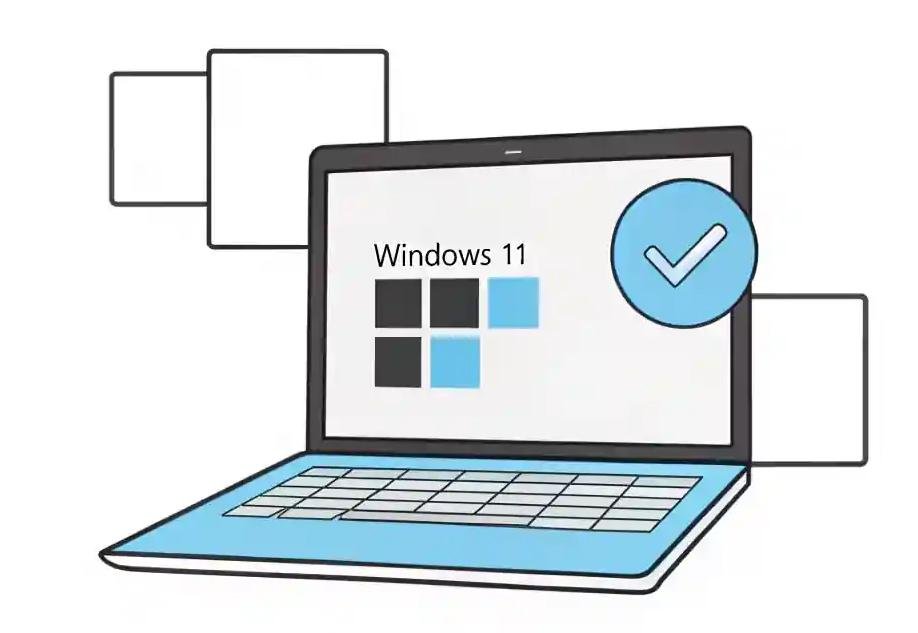
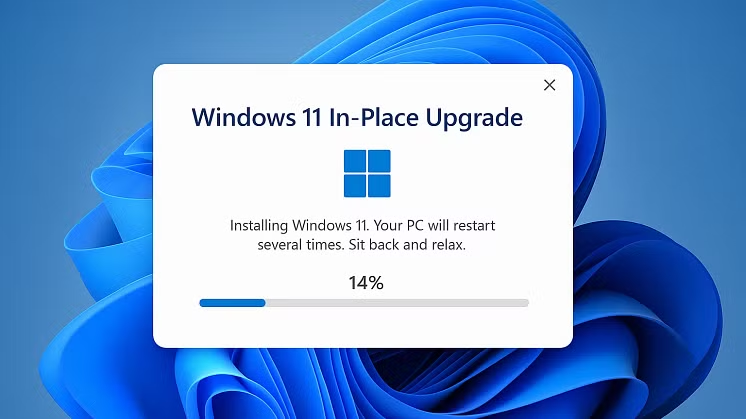
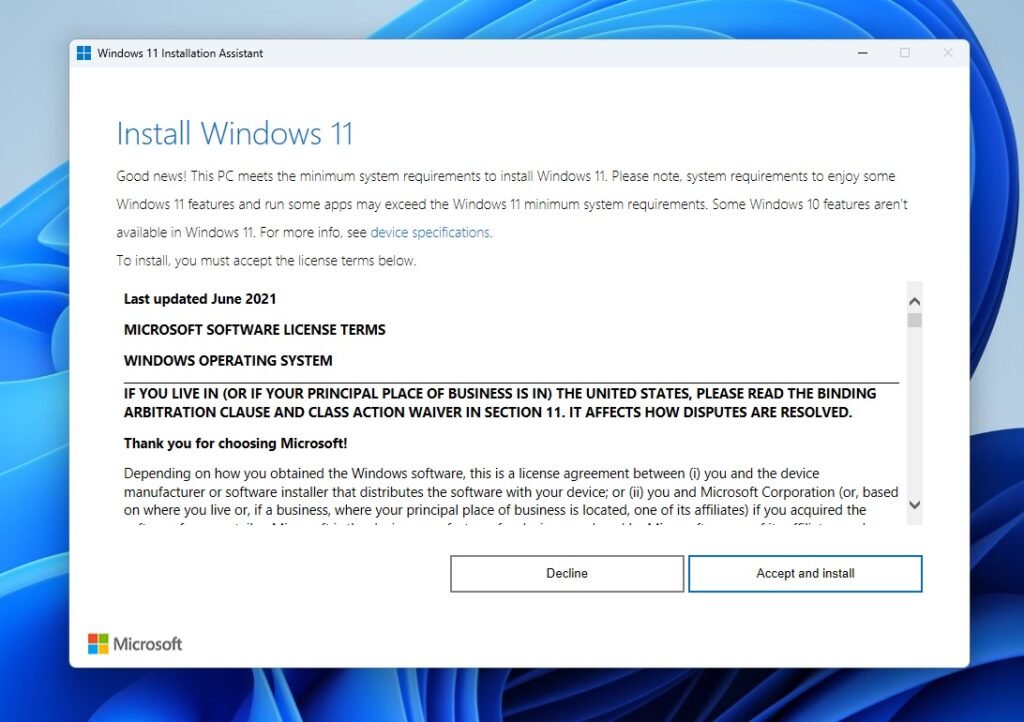
Posted inTutorials Windows 11 Upgrade Checklist to Map a Staged Migration PlanWindows 11 upgrade checklist to map a staged migration plan — assess hardware, pilot safely, and phase rollouts for minimal downtime.
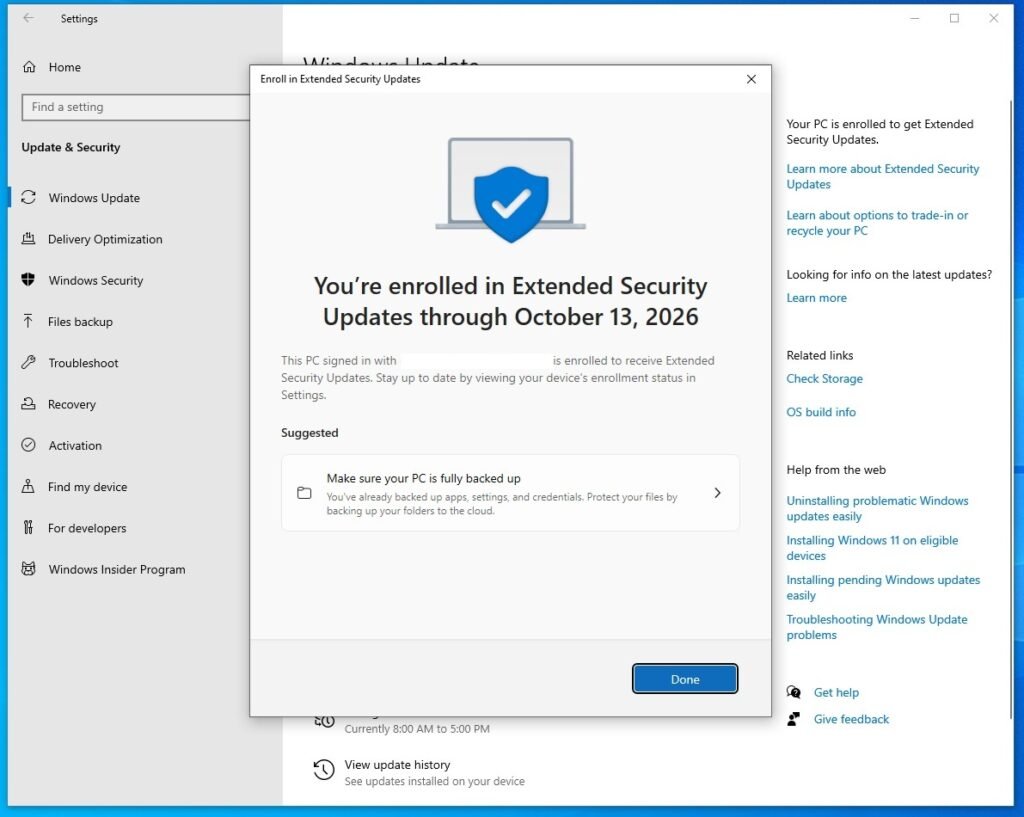
Posted inNews Microsoft Provides Free Windows 10 Extended Security Updates EuropeWindows 10 Extended Security Updates Europe — free one-year ESU: who qualifies, how to enroll, and what to do next.
Posted inNews Microsoft Warns 200 Million Windows Users to Back Up and Test Before Updating their PCsMicrosoft warns 200 million Windows users — back up, test, and follow a staged update plan to avoid breakage before updating your PC.
Posted inTools Best Free Alternatives to Windows Notepad: 7 Lightweight Editors That Do MoreBest Free Alternatives to Windows Notepad — 7 lightweight, free editors that add tabs, syntax highlighting, search and plugins to replace Notepad.
Posted inNews Windows 10 ESU Provides a Paid Safety Net as Microsoft Ends SupportWindows 10 ESU provides a paid safety net as Microsoft ends support — who’s eligible, how to enroll, and migration options.
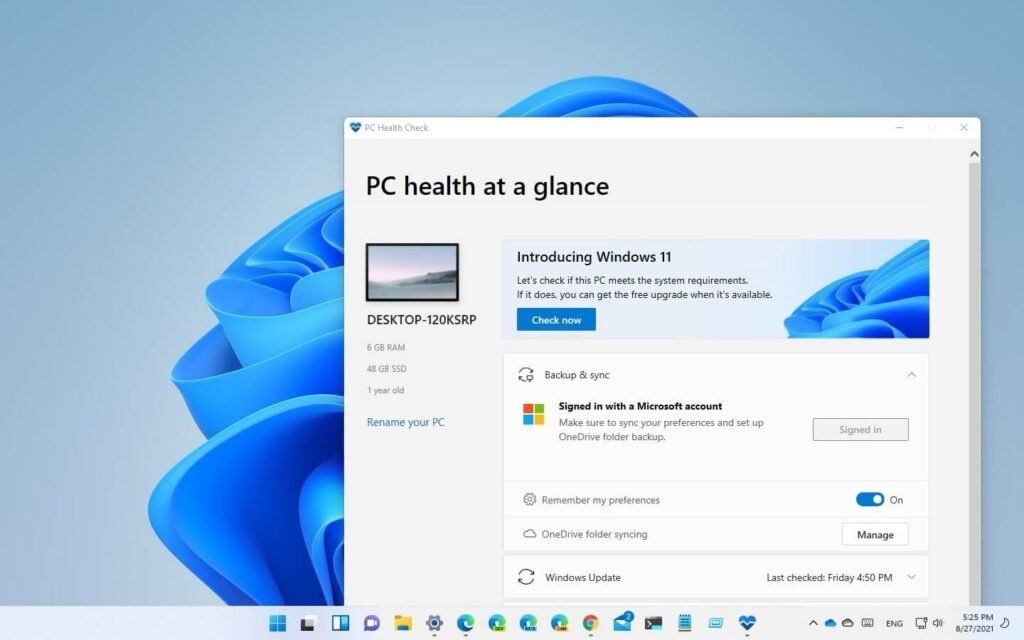
Posted inTutorials How to Run a Windows 11 Compatibility CheckWindows 11 compatibility check shows why a PC passes or fails and what to do next to upgrade or delay with confidence.
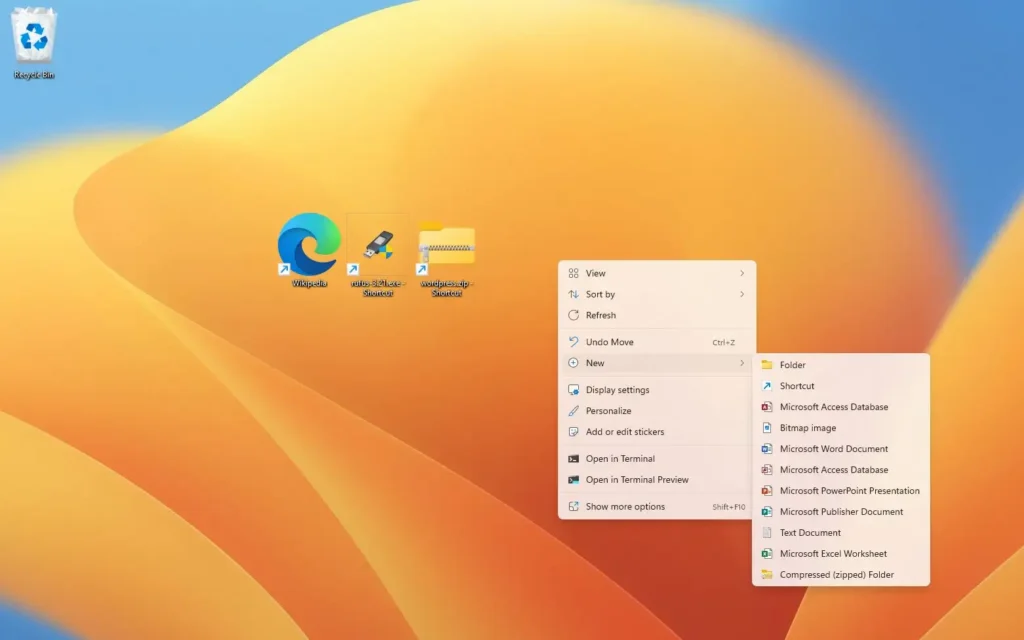
Posted inTutorials How to Make a Desktop Shortcut for a Website (Windows, Mac, Chrome, Edge)How to make a desktop shortcut for a website — Easy steps for Windows, Mac and Chrome so you can open favorite sites instantly and boost productivity
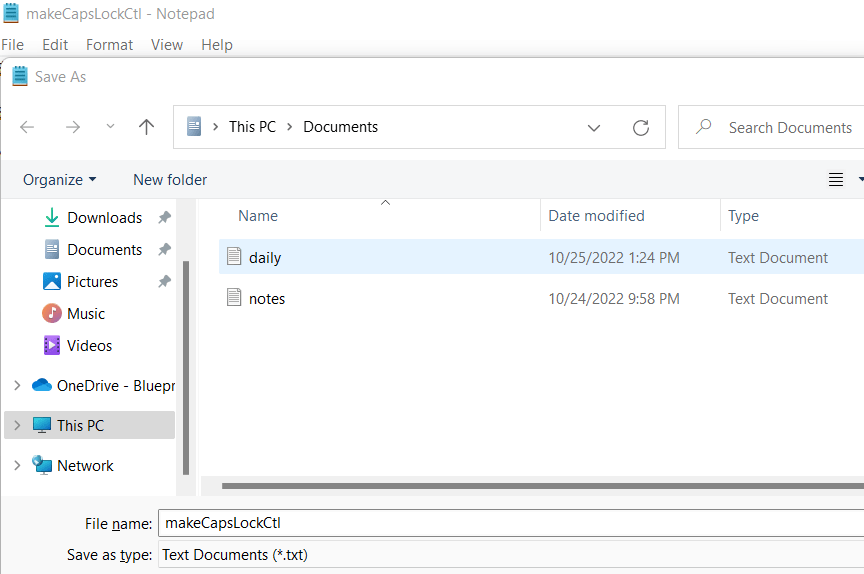
Posted inTutorials Where are Notepad Files Saved in Windows 11Where are notepad files saved in Windows 11 — find autosave/session file locations, recover unsaved notes, and control Notepad’s session behavior.
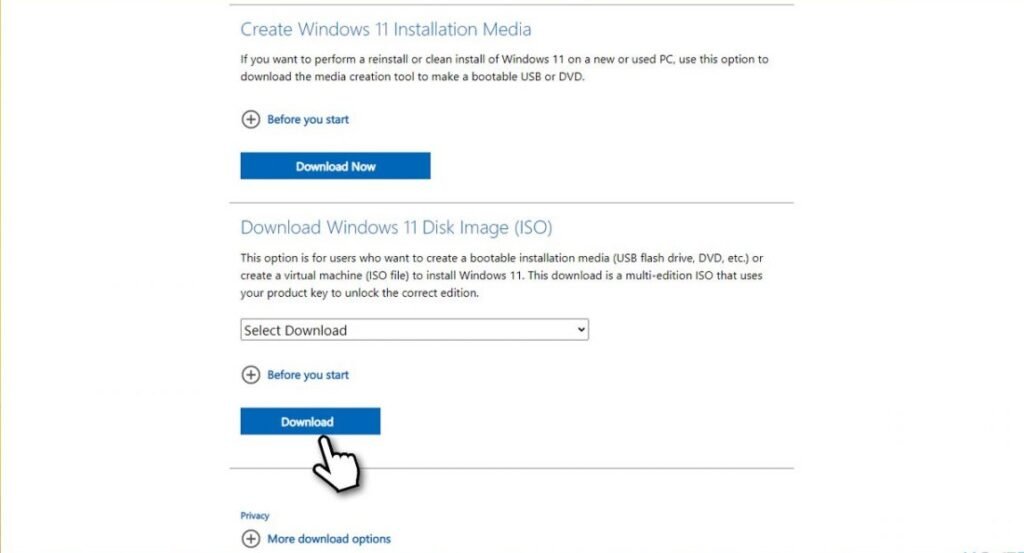
Posted inTutorials How to Create Windows 11 Bootable USB Drive (Step-by-Step Guide)Create Windows 11 bootable USB quickly — step-by-step official tool and ISO methods to install or repair Windows 11.
Posted inTutorials How to Download Windows 11 ISO FilesDownload Windows 11 ISO Files safely — create bootable media, check compatibility, and install or test Windows 11 without surprises.
Posted inPoint of View Does Studio System work with Windows 11?Does Studio System Work with Windows 11. A vendor‑neutral checklist, troubleshooting steps, and safe upgrade plan for studio pros.
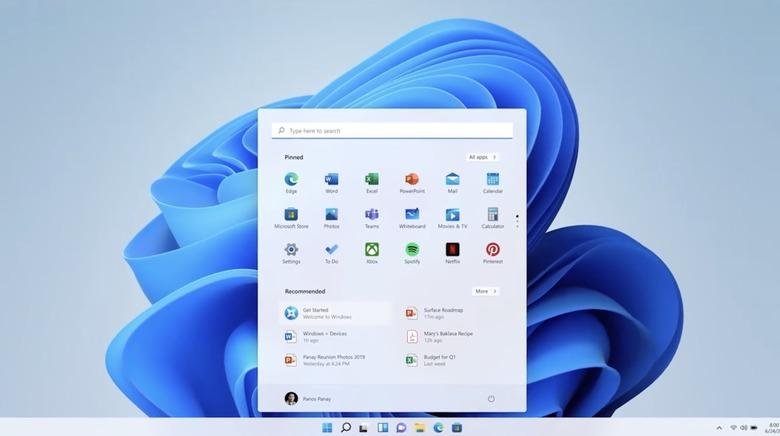
Posted inPoint of View What are Windows 11 System Requirements?Windows 11 system requirements: see what hardware and firmware you need, why TPM 2.0 matters, and how to decide to upgrade.
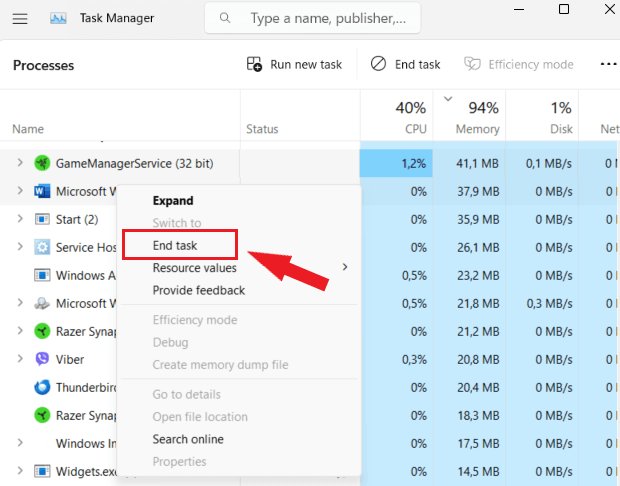
Posted inTutorials How to Force Close an App on WindowsHow to force close an app on windows — fast, safe steps to kill frozen apps, recover a stuck system, and prevent future hangs.
Posted inTutorials How to Take Screenshot on Windows 11how to take screenshot on windows 11 — clear shortcuts, save & edit tips, and pro workflows to capture, annotate, and share faster.
Posted inTools Windows 11 Media Creation Tool: How to Download ItDownload and use the Windows 11 Media Creation Tool to make a bootable USB or ISO — step-by-step, safe, and ready for clean installs.
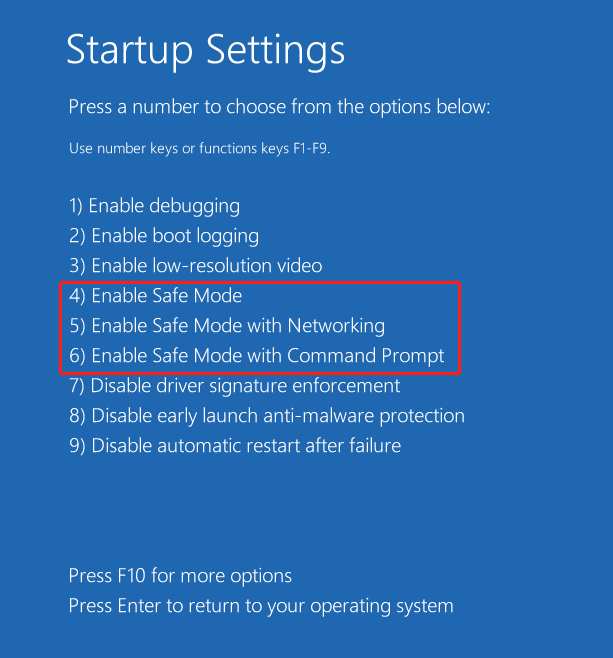
Posted inTutorials How to Boot in Safe Mode Windows 11: A Step‑by‑Step GuideLearn how to boot in Safe Mode Windows 11 to fix crashes, remove drivers, and troubleshoot—step-by‑step methods for every scenario.
Posted inPoint of View Is Windows 11 Better Than Windows 10? Here’s What You Need to KnowIs Windows 11 better than Windows 10? Discover if the upgrade boosts performance, security, and design for your daily workflow.
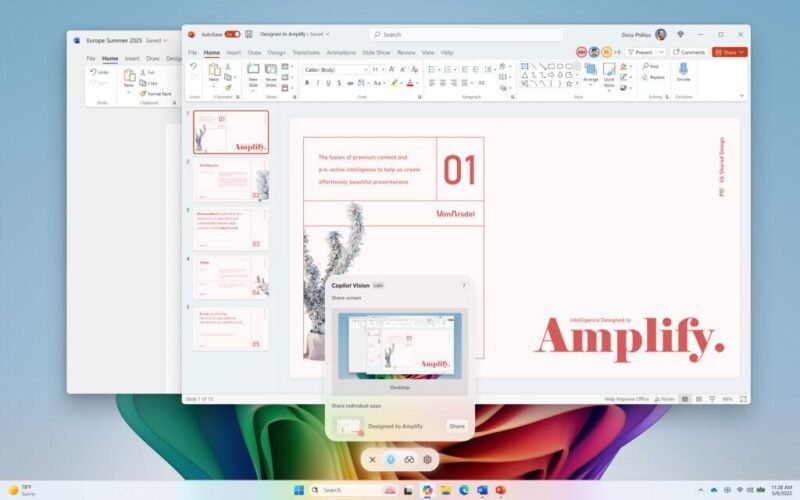
Posted inNews Empower Your Workflow with Copilot Vision on Windows with Desktop ShareDiscover how Copilot Vision on Windows with desktop share transforms collaboration by letting AI see your screen in real time.
Posted inNews Windows 11 July 2025 Update Issues: Why KB5062553’s “Fix” Was a False PromiseWindows 11 July 2025 Update issues leave Event Viewer flooded with firewall errors—learn why the KB5062553 fix failed and how to work around it.
Posted inNews Microsoft Rolls Out Windows 11 Build 27898 with Self‑Healing Recovery and Battery‑Saving UpgradesWindows 11 Build 27898 brings self‑healing quick recovery, adaptive energy saver preview, taskbar scaling, voice access tweaks, and Screen Curtain.