Discover how Google’s Gemini transforms collaboration and creativity with AI-driven tools. Explore 6 new ways to collaborate and get creative with Gemini.
Gemini is poised to make Android devices more intuitive than ever. Here are those 6 cool things updated Gemini assistant can do that you would like to know.
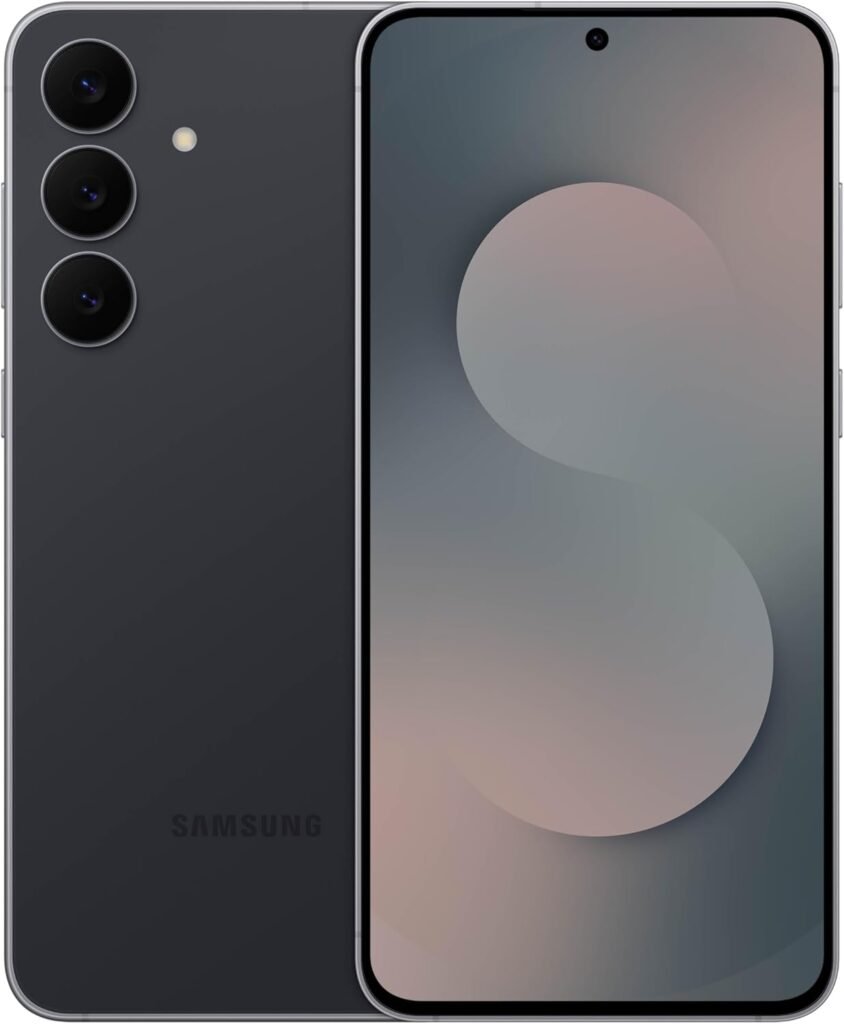
BIG. BRIGHT. SMOOTH: Enjoy every scroll, swipe and stream on a stunning 6.7” wide display that’s as smooth for scrolling as it is immersive.¹
LIGHTWEIGHT DESIGN, EVERYDAY EASE: With a lightweight build and slim profile, Galaxy S25 FE is made for life on the go. It is powerful and portable and won't weigh you down no matter where your day takes you.
SELFIES THAT STUN: Every selfie’s a standout with Galaxy S25 FE. Snap sharp shots and vivid videos thanks to the 12MP selfie camera with ProVisual Engine.
MOVE IT. REMOVE IT. IMPROVE IT: Generative Edit² on Galaxy S25 FE lets you move, resize and erase distracting elements in your shot. Galaxy AI intuitively recreates every detail so each shot looks exactly the way you envisioned.³
MORE POWER. LESS PLUGGING IN⁵: Busy day? No worries. Galaxy S25 FE is built with a powerful 4,900mAh battery that’s ready to go the distance⁴. And when you need a top off, Super Fast Charging 2.0⁵ gets you back in action.
PACKED WITH STRENGTH, FOR YOUR EVERYDAY: Life happens. That’s why Galaxy S25 FE is built with a sturdy Armor Aluminum frame and Gorilla Glass Victus+ to handle life’s everyday wear and tear.⁶
POWERFUL PERFORMANCE, NOW ACCESSIBLE: You shouldn’t feel like your phone’s holding you back. Galaxy S25 FE speeds things up with a premium chipset and keeps your day going with sustained performance, thanks to its improved cooling system.
SHOW GEMINI, GET INSTANT HELP: Sometimes it’s easier to show than explain.⁷ Go live with Google Gemini and share your camera to get helpful real-time answers from your smart assistant.
SEE IT BIG. HEAR IT BETTER: Pair the powerful sound of your Galaxy Buds3 FE with the wide and vibrant display of your Galaxy S25 FE⁸ for a truly immersive experience. They bring every movie, video and game to life.
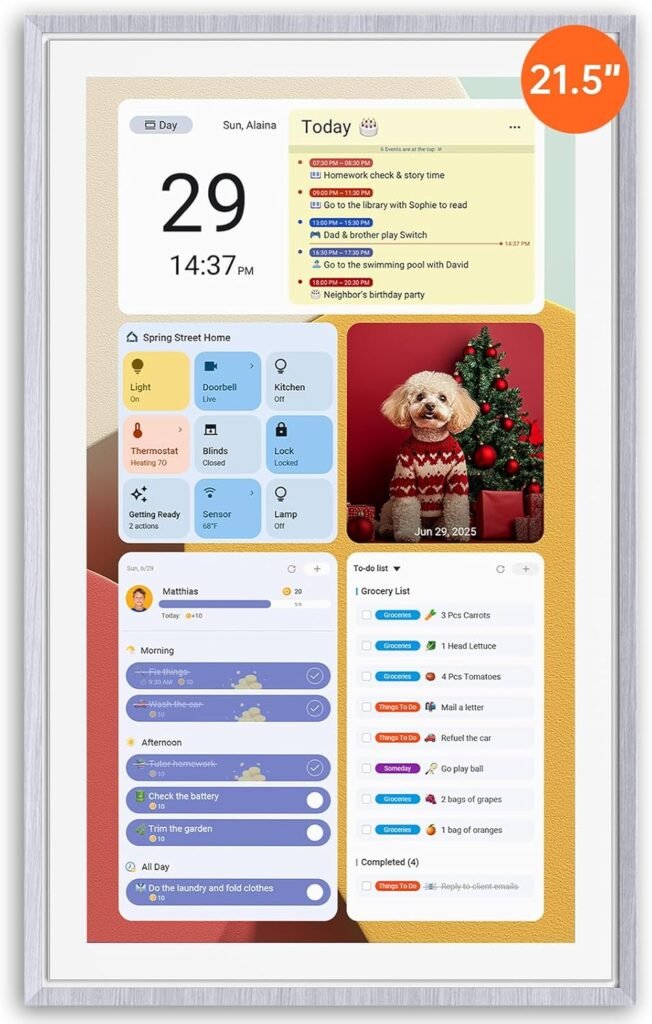
First Dual-Mode Digital Calendar — In Calendar Mode, ApoloSign Digital calendar stay focused with Auto Sync Calendar across Google, Outlook, iCloud & more. Planner and Family Organizer keep schedules in one place. Switch to Android Mode to create a Dashboard and smart family hub.
Reward-Based Chore Chart, Routine & Meal Planner — Turn chores into fun while keeping the whole family organized. This electronic calendar lets kids earn rewards for completing daily tasks and helps build healthy routines. Create color-coded to-do lists for groceries, shopping, wish lists, and plan weekly meals to stay on top of family dining — all in one place via the Apolosign Calendar Mobile App (Currently supported in the U.S. only).
Experience AI Voice Assistant & Smart Home Control — The Apolosign Digital Calendar lets you set alarms, check the weather, or manage tasks by simply talking to your calendar using four built-in microphones. Now preloaded with Google Gemini AI voice assistant, seamlessly connect with Google Home to monitor and control your smart home — doorbells, cameras, and more, all on one screen.
Smart Photo Frame & Live Screensaver — The 21.5" HD touchscreen eCalendar displays memories from Google Photos and more, seamlessly, no subscription required. Personalize with videos, schedules, clocks, or a mix. Auto Brightness adapts, Sleep Mode saves energy. Beautiful faux wood frame for wall use.
Customize Your Widget Dashboard — Smarter eCalendar: Add and arrange the widgets you need — calendar, chores, meals, weather, doorbell, music controls, stocks, and more. Supports multi-page widget layouts, so you can view more at a glance. Customize your dashboards for a smart family hub. Whether syncing calendars or troubleshooting, our expert support team is available around the clock to assist you.
How to use Claude AI for free in 2026 — what you actually get, the real usage limits explained in plain English, 7 smart tips to stretch your free quota, and exactly when it's worth upgrading.
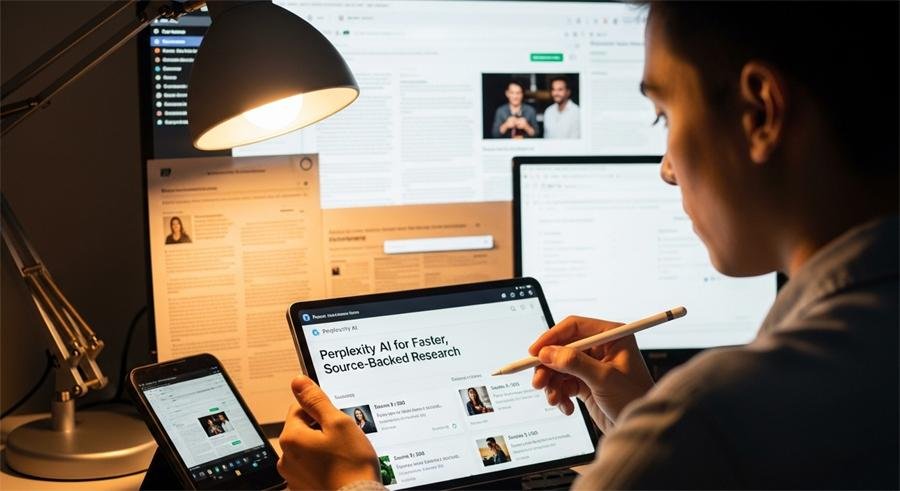
Learn how to use Perplexity AI for fast, source-backed research. Modes, focus filters, file uploads, Comet browser, and how Perplexity compares to ChatGPT & Gemini.
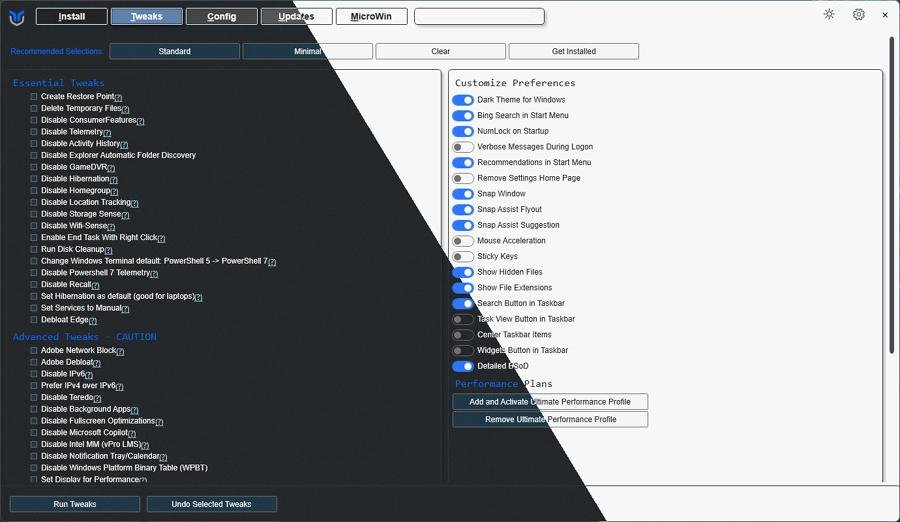
The seven best Windows debloaters (Win11Debloat, Chris Titus tools, Tiny11 builder, Sycnex, Privatezilla, O&O ShutUp10++, and Windows-Optimize-Harden-Debloat). What each does, who should use it, safety tips and quick how-tos.
Looking for the best free AI video generators? This guide lists Grok.ai, Meta.ai, Runway, Pika, plus top free Chinese models (Seedance, HunyuanVideo, Zhipu) and tips to choose the right one.
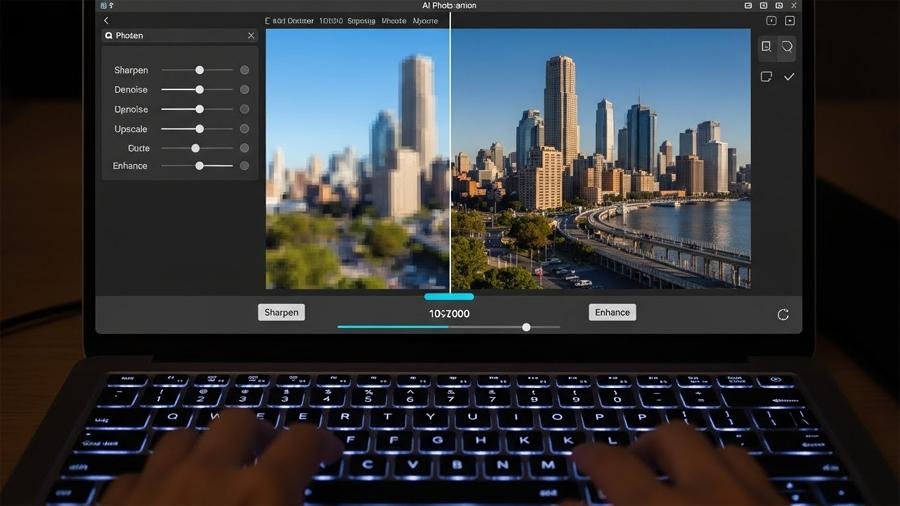
I researched top AI tools to improve low-res photos. See before/after guidance, real limits, and the ethics checklist you must read before enhancing photos.
Perchance AI image generator — free, no sign-up tool. How it works, prompt recipes, batch tips, and what you need to know before using images commercially.