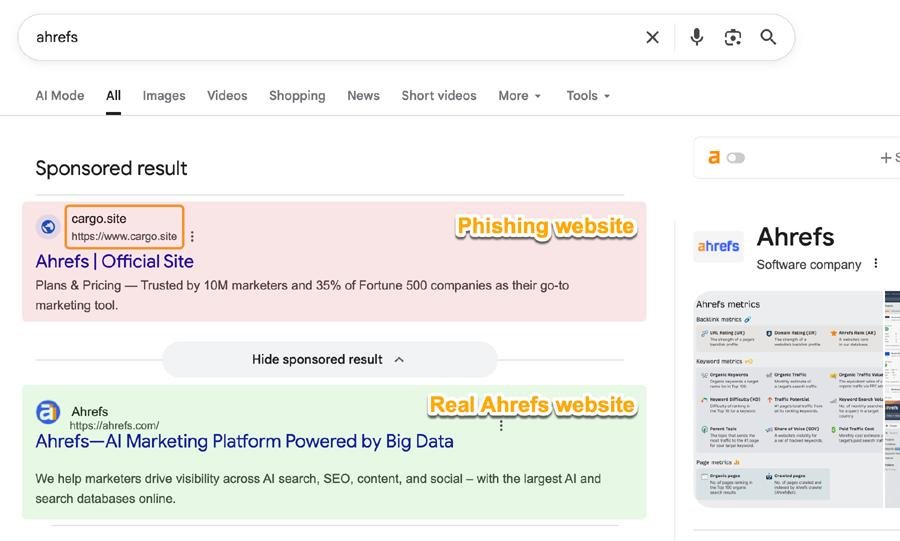
How to protect your SEO tools from phishing in 2026 — Ahrefs just issued an active attack warning. Here's exactly how attackers target Ahrefs and other similar tools.
How to use Claude AI for free in 2026 — what you actually get, the real usage limits explained in plain English, 7 smart tips to stretch your free quota, and exactly when it's worth upgrading.
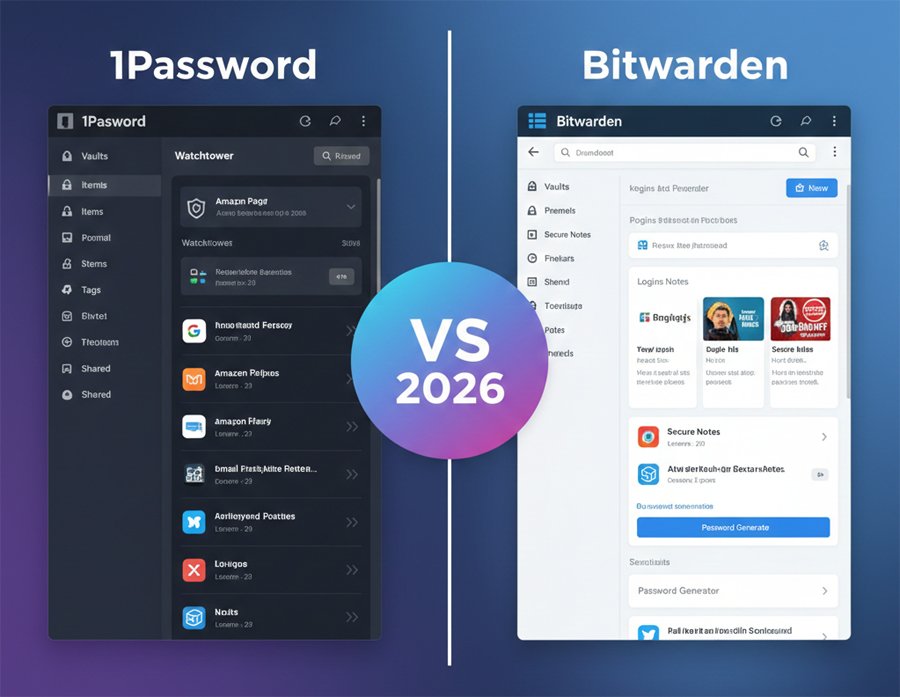
1Password just raised its prices 33% in March 2026. Is it still worth it over free Bitwarden? An honest comparison of 1Password vs Bitwarden, covering security, features, pricing, and exactly who should which one.
Looking for free tree testing tools? Here are the best free and freemium options, how to run a valid tree test, sample tasks, metrics to track, recruitment tips, and a ready-to-copy test template.
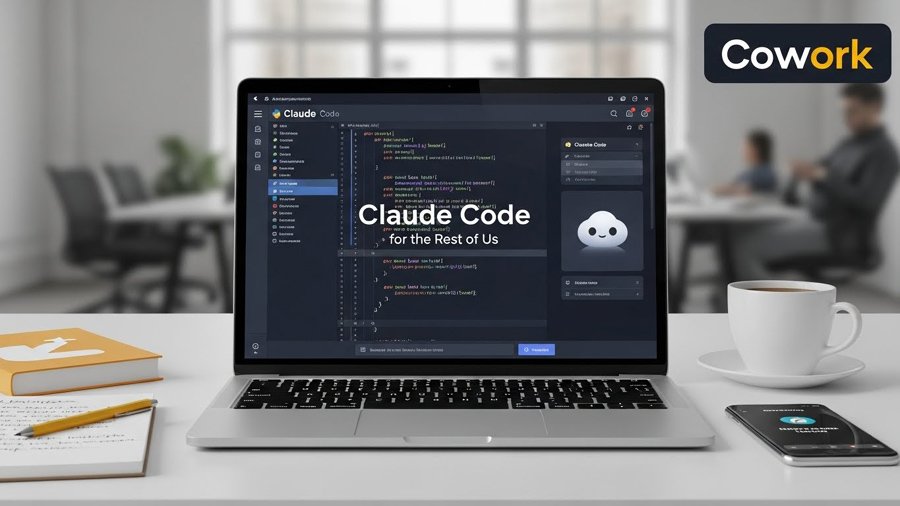
Anthropic’s new Cowork brings Claude Code’s desktop agent power to everyday users: file ops, spreadsheet creation from receipts, report drafting and more. Here’s what Cowork does, why it matters, and how to test it safely.
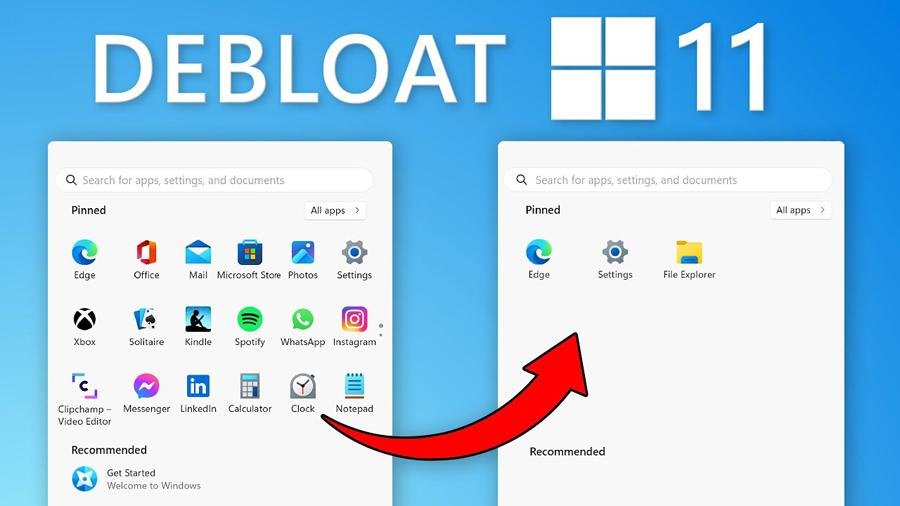
Here you will learn how to debloat Windows 11 and use this open-source PowerShell script to remove ads, disable telemetry, and reclaim RAM in one click.
This is a practical guide to using the best free Google SEO tools to replace paid subscriptions in 2026 — plus extra sections that add evergreen and trending value.
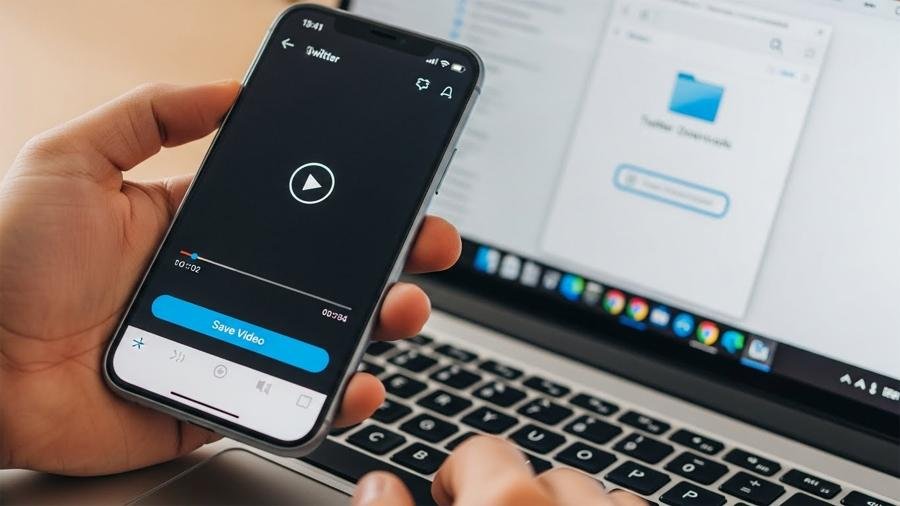
Save Twitter video to PC or mobile: copy the tweet link, pick a safe method, and download MP4s with step-by-step instructions. Focus Keyword: Save Twitter video.
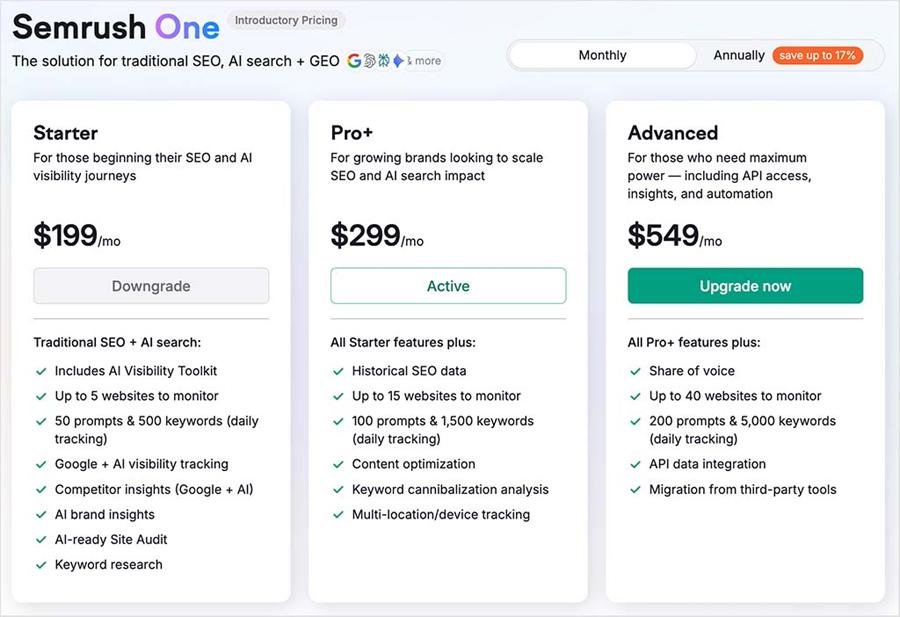
It’s official: Adobe has acquired Semrush. But what does this mean for the 10-requests-per-day free plan? We analyze the "Semrush One" rollout and your best alternatives.
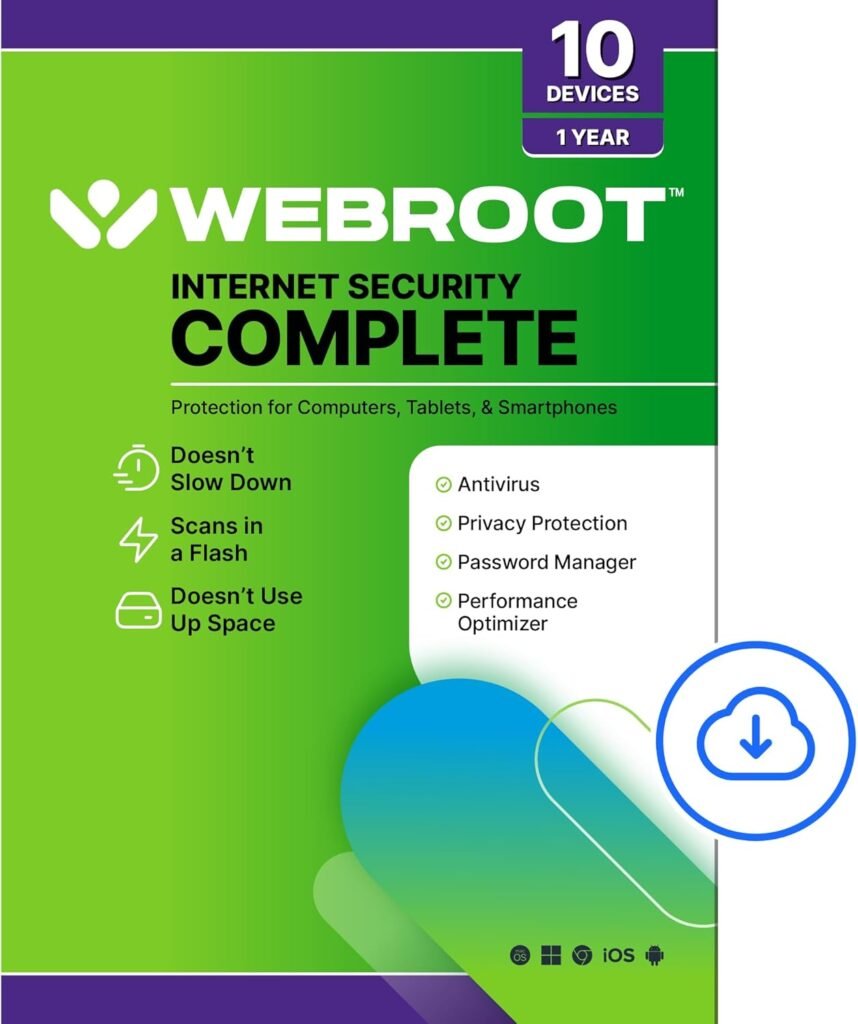
POWERFUL, LIGHTNING-FAST ANTIVIRUS: Webroot Internet Security Complete Protects your computer from viruses and malware through the cloud; Webroot scans faster, uses fewer system resources and safeguards your devices in real-time by identifying and blocking new threats
IDENTITY THEFT PROTECTION AND ANTI-PHISHING: Webroot Internet Security Complete protects your personal information against keyloggers, spyware, and other online threats and warns you of potential danger before you click
SUPPORTS ALL DEVICES: Compatible with PC, MAC, Chromebook, Mobile Smartphones and Tablets including Windows, macOS, Apple iOS and Android
NEW SECURITY DESIGNED FOR CHROMEBOOKS: Chromebooks are susceptible to fake applications, bad browser extensions and malicious web content; close these security gaps with extra protection specifically designed to safeguard your Chromebook
PASSWORD MANAGER: Secure password management from LastPass saves your passwords and encrypts all usernames, passwords, and credit card information to help protect you online
SYSTEM OPTIMIZER: A privacy protection and system maintenance tool that erases past online activity, including browsing history, cache and cookies, while reclaiming hard drive space and improving performance by deleting unnecessary files
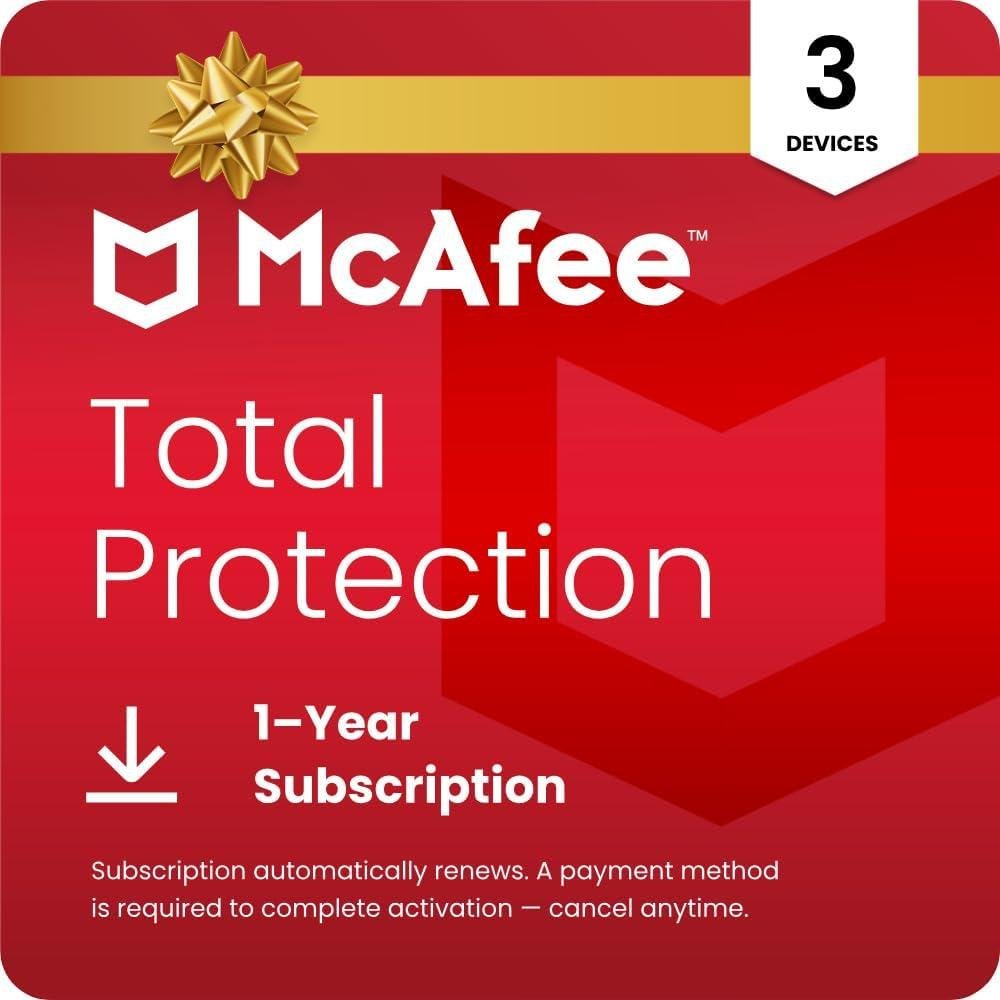
DEVICE SECURITY - Award-winning McAfee antivirus, real-time threat protection, protects your data, phones, laptops, and tablets
SCAM DETECTOR – Automatic scam alerts, powered by the same AI technology in our antivirus, spot risky texts, emails, and deepfakes videos
SECURE VPN – Secure and private browsing, unlimited VPN, privacy on public Wi-Fi, protects your personal info, fast and reliable connections
IDENTITY MONITORING – 24/7 monitoring and alerts, monitors the dark web, scans up to 60 types of personal and financial info
SAFE BROWSING – Guides you away from risky links, blocks phishing and risky sites, protects your devices from malware
PASSWORD MANAGER – Creates complex passwords for you, stores passwords for each account, auto-fills your credentials
24/7 CUSTOMER SUPPORT – available by phone or chat, helpful articles, helps troubleshoot
INSTANT CODE DOWNLOAD - Digital code and activation instructions will be emailed to you after purchase
SUBSCRIPTION AND AUTO-RENEWAL NOTICE: Subscription automatically renews annually to provide hassle-free protection. A payment method is required to complete activation, but don't worry, you won't be charged at that time.
You will be charged 30 days before the subscription ends and annually thereafter at the renewal price applicable. We will remind you 30 days before you are charged. You can cancel any time from your 'My Account' page by logging in to mcafee.com.
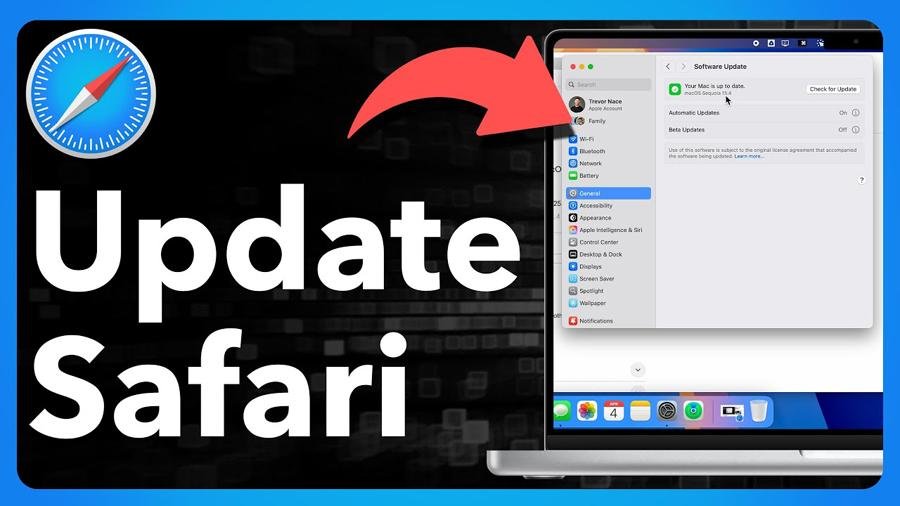
Is Safari acting buggy or showing "browser not supported"? Here is the 2025 guide to upgrading Safari on Mac, iPhone, and iPad—plus a “secret” workaround if your device is too old.
Struggling with browser lag? We analyze which OS is optimized for web apps in 2025. Discover the best platform for speed, PWA integration, and battery life.